
WhatsApp Desktop
WhatsApp Desktop is the official WhatsApp app for Windows, letting you chat and call from your PC with the account on your phone.
339.2 MB

WhatsApp Web lets you use WhatsApp in a browser on your PC after linking it to your phone. This page explains how it works and when to use the desktop app.
Average 0.0 · ratings: 0
Thank you! Your rating is saved; you can change it. Could not save the rating. Please try again later. Too many ratings from your network today. Please try again tomorrow. The average appears after 5 ratings.
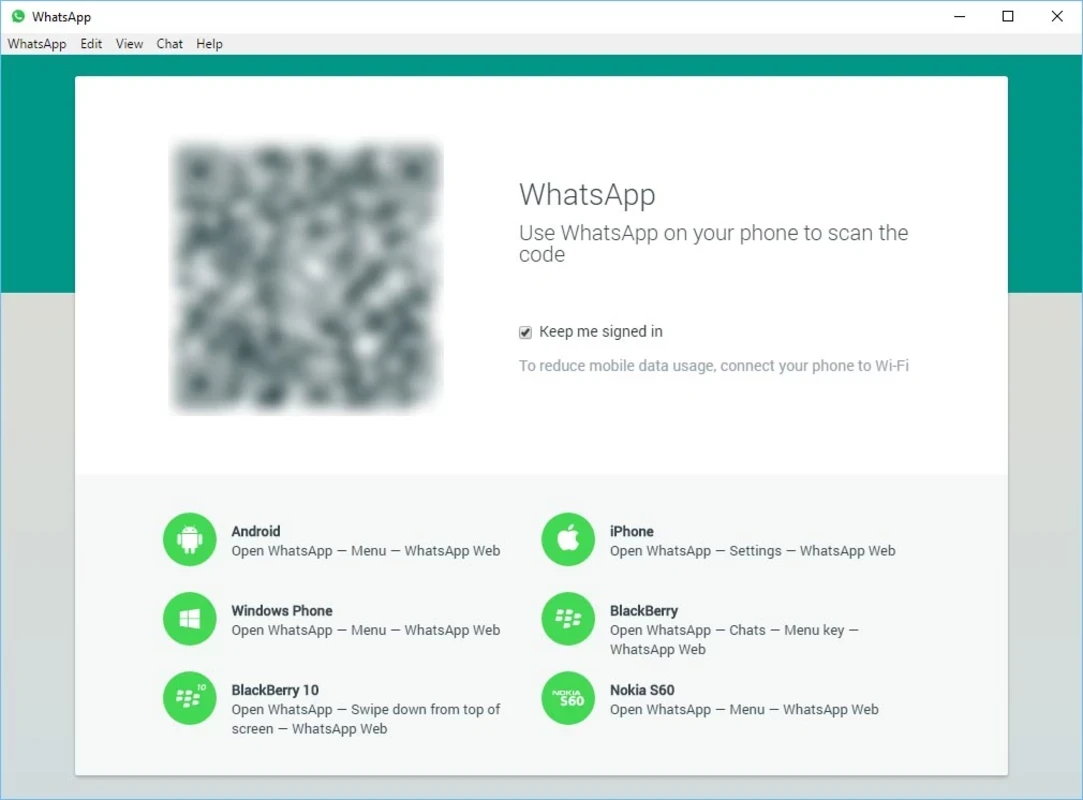
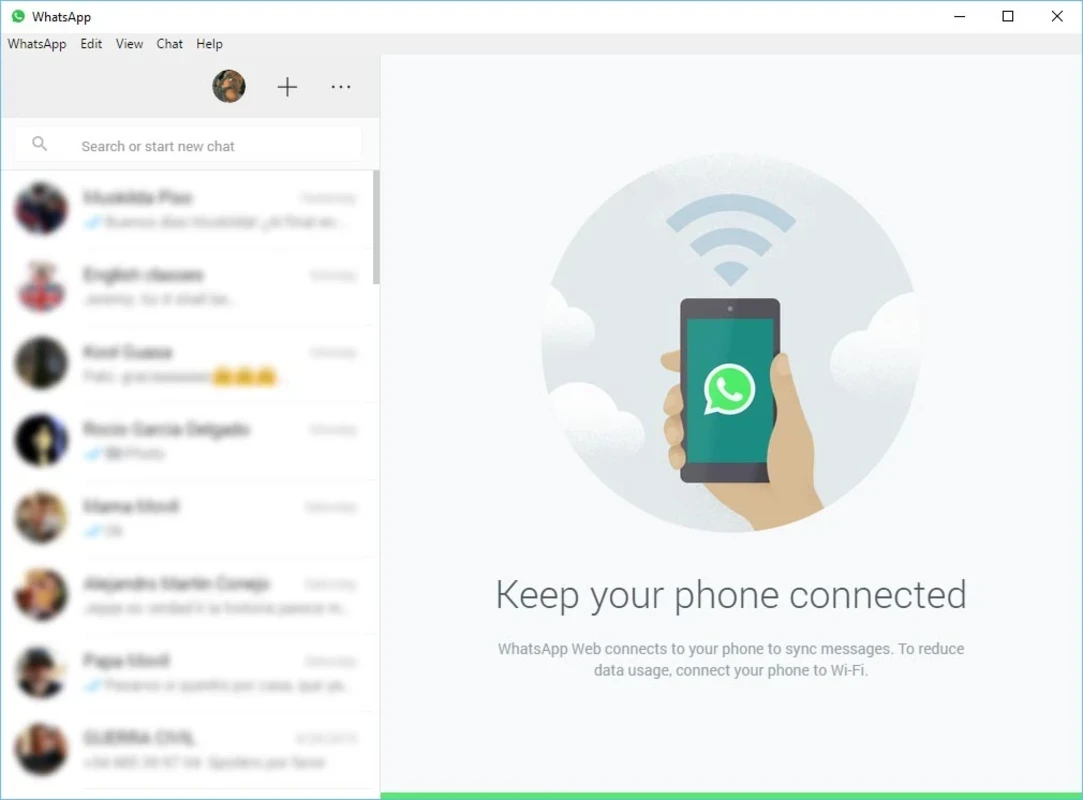
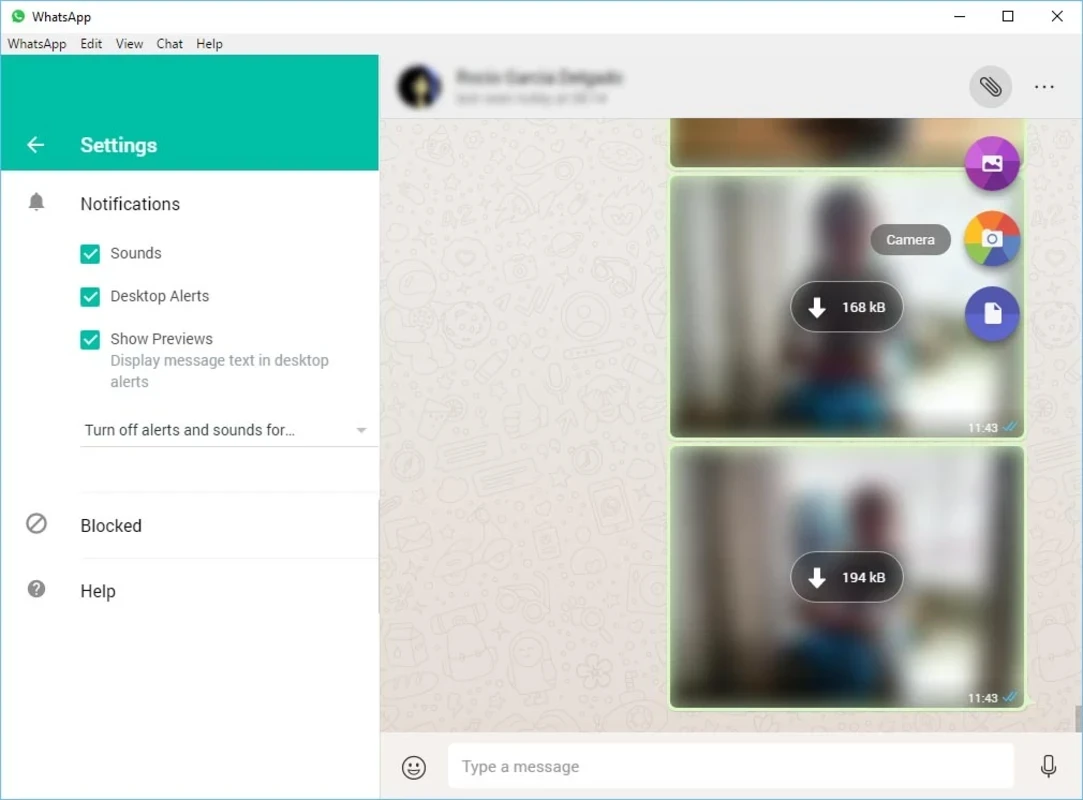
WhatsApp Web lets you use WhatsApp on a Windows PC straight from a browser, with no download needed. You open web.whatsapp.com, link it to the app on your phone and keep chatting on a big screen; if you prefer a separate program, WhatsApp also offers a desktop app for Windows.
WhatsApp is built around your phone number, and the phone remains the main device of the account. WhatsApp Web is a linked companion: once connected, it shows your chats in the browser, lets you type with a real keyboard, send photos and documents from the computer and read messages while you work. Chats stay in sync, so a message you answer on the PC appears as read on the phone too. That makes it handy for people who spend the day at a desk, for sending files that live on the computer, and for small businesses answering customers. The service keeps adding features; the WhatsApp blog, for example, announced calling from the web version together with other updates. Because it runs in a browser, there is nothing to install, which also makes it useful on a work PC where you cannot add programs.
The web version is quickest when you need WhatsApp occasionally or on a shared computer. If you use it all day, the desktop app for Windows is more convenient: it runs in its own window and sends notifications even when the browser is closed. You can get it from the official WhatsApp desktop download page.
You need an active WhatsApp account on a phone and a current browser on Windows. There is no separate installer or size to worry about for the web version.
WhatsApp Web is free, like WhatsApp itself.
Other messengers for Windows in our listings include Telegram, Viber and Signal. The WhatsApp blog post on web calling covers recent additions, and whatsapp.com has the full list of apps.
WhatsApp Desktop is the official WhatsApp app for Windows, letting you chat and call from your PC with the account on your phone.

Microsoft Teams is Microsoft's collaboration and video-conferencing app for chat, meetings, calls and shared files at work, school or home.

Zoom Meeting is the desktop client of Zoom's video-conferencing service for calls, webinars, screen sharing and chat on Windows.
Camo Studio is Reincubate's desktop app that turns an iPhone, iPad or Android phone into a high-quality webcam for a Windows PC or Mac.

Google Meet is Google's video meeting app. On Windows it runs from the browser and can be installed as an app, with no separate installer to download.

Facebook for Windows is the desktop app of Meta's social network, with the news feed, groups, pages and notifications in a separate window.

Telegram Desktop is the official Windows client of the Telegram messenger, with chats, groups, channels and file sharing synced from the cloud.

Telegram Web is the browser version of the Telegram messenger: open it on a Windows PC, log in with your phone and chat without installing anything.